Simple stock counting

Count stock the way it actually exists.

Count in real terms — bottles, shots, tins, weight, pieces and more — without switching to a calculator.

Count it right.
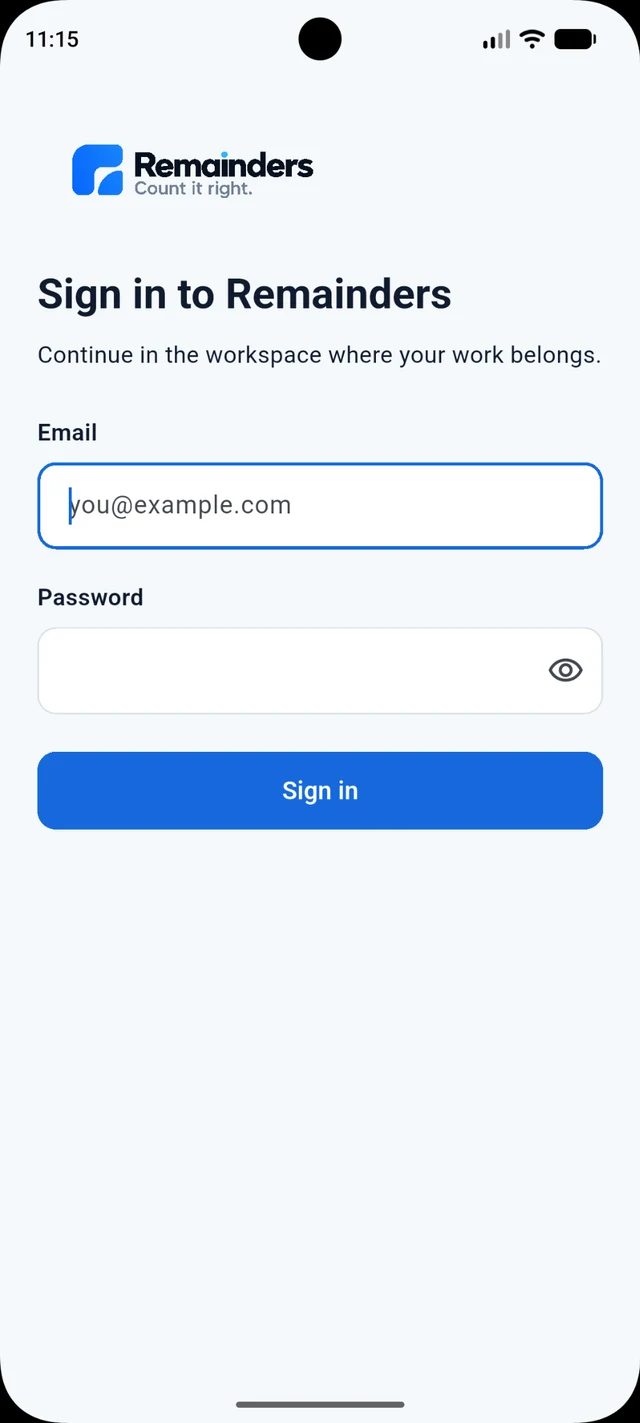
Remainders sign-in screen, shown as a product preview
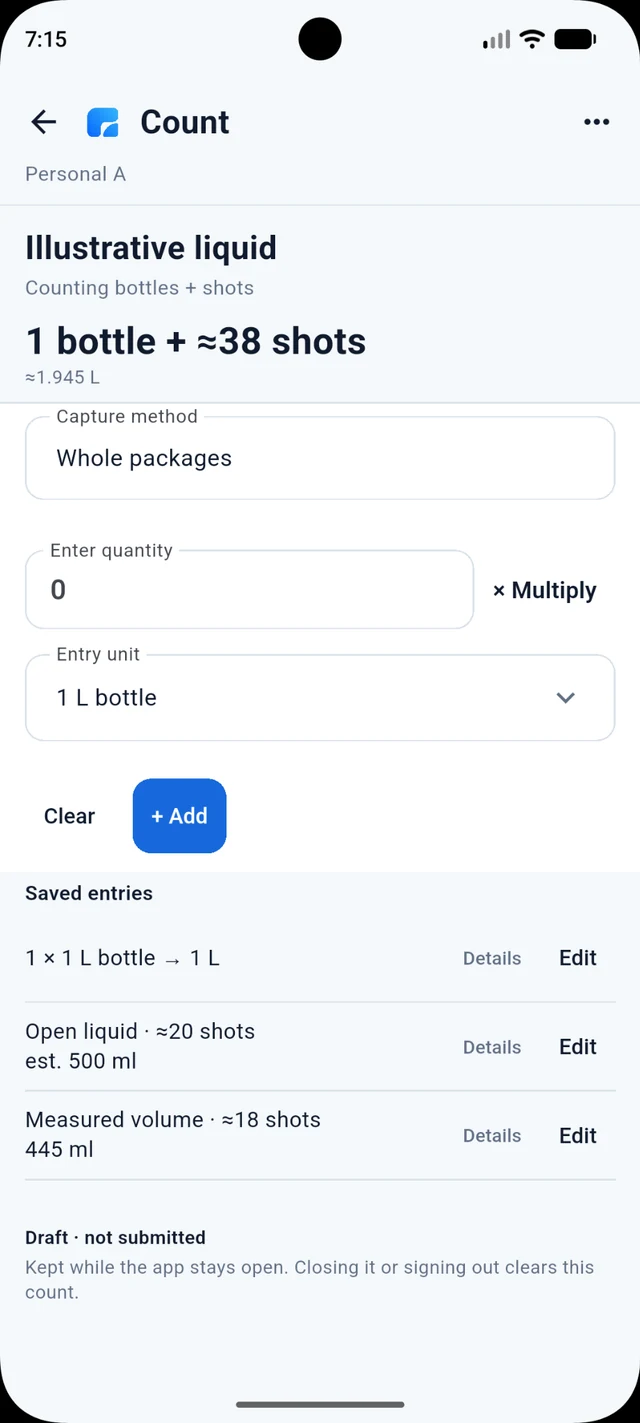
Founder-approved Remainders liquid count showing 1 bottle plus approximately 38 shots and approximately 1.945 L
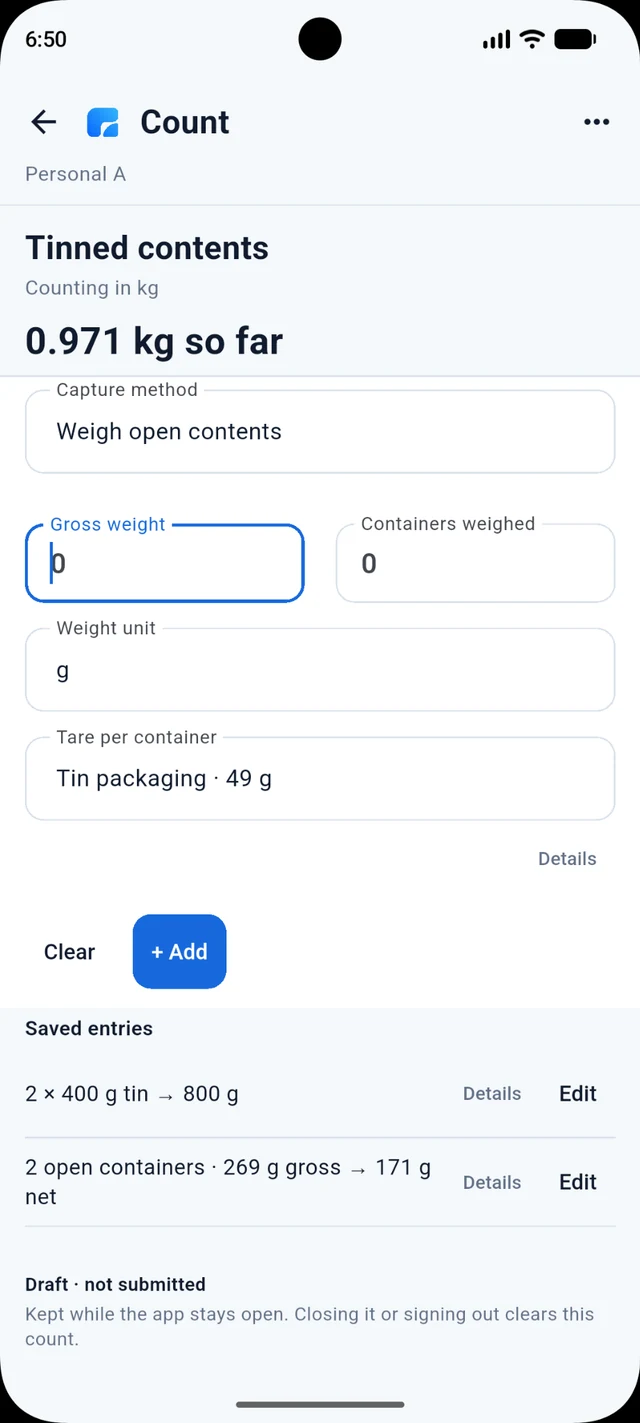
Founder-approved Remainders weight-based count showing gross weight, container count and tare

Count what you actually have

A simpler, more natural way to count stock.

Count whole packages, open contents, bottles, weight, portions, pieces and empties in the form people actually work with.

Crates + loose units

Whole + open contents

Bottles + shots

Portions + pieces

Weight / volume

Empty bottles + shells

Built for real stock work

Counting belongs where the stock is.

Move through shelves, stores and stockrooms with the count in your hand.

A stock counter using Remainders among stocked shelves
Remainders — Count it right. Counting in the field, with a phone in hand.

Stay with the job

Count anywhere — even offline.

Keep counting through connection gaps, then sync when connectivity returns.

A counter continuing stock work without a connection
Offline counting mode active. No internet? Keep counting. Sync when you’re connected.
An eight-second visual concept of continuing a count through a connection gap.

Bottles + shots

Turn practical bottle observations into the units your team actually works with.

Full bottles and open contents counted in one flow
Count bottles and shots naturally. Track full bottles and partial contents in the same flow.
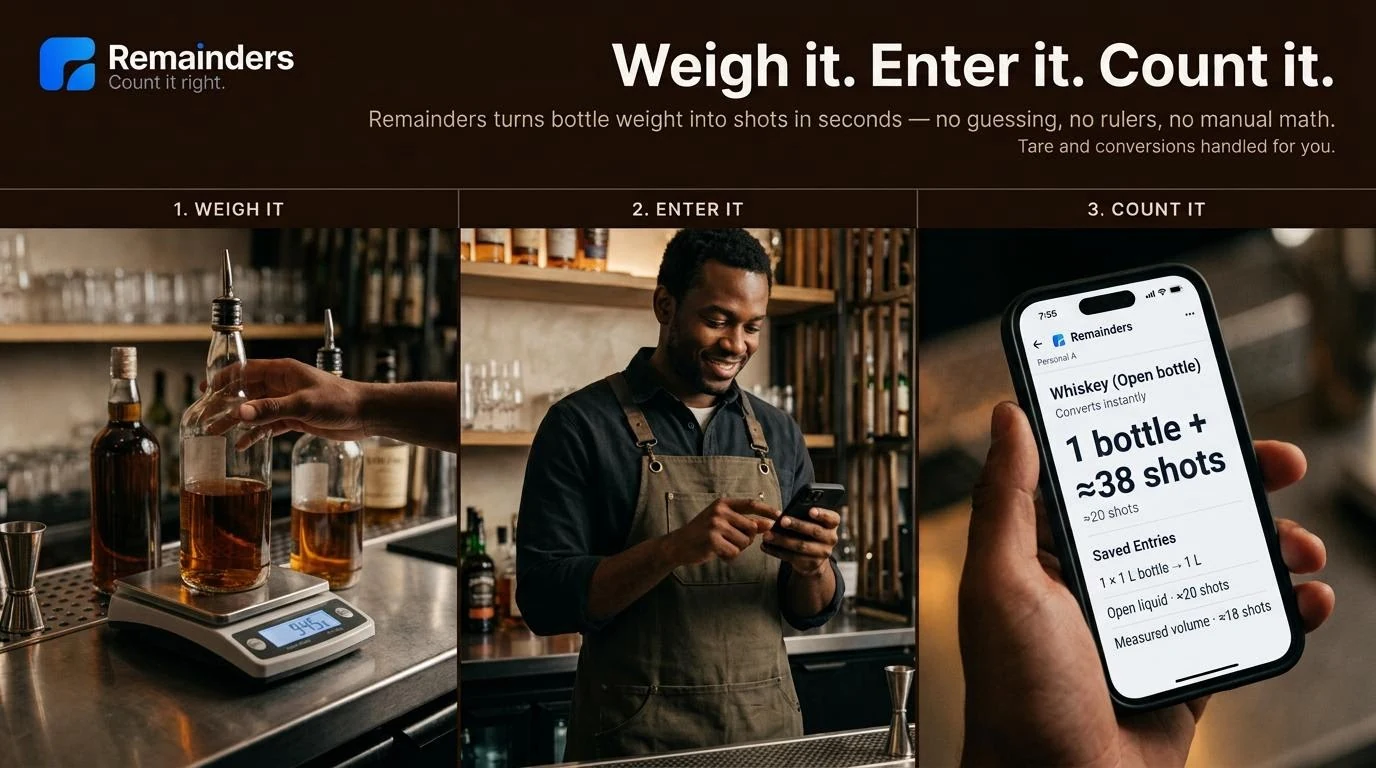
Three steps: weigh the bottle, enter the reading, review bottles and shots
Weigh it. Enter it. Count it. The visual illustrates weight entry, automatic tare and conversions, without rulers or manual arithmetic. The generated bottle-and-shots result is illustrative.

Whole + open contents

Keep complete and opened stock clear.

Different physical states, one understandable count.
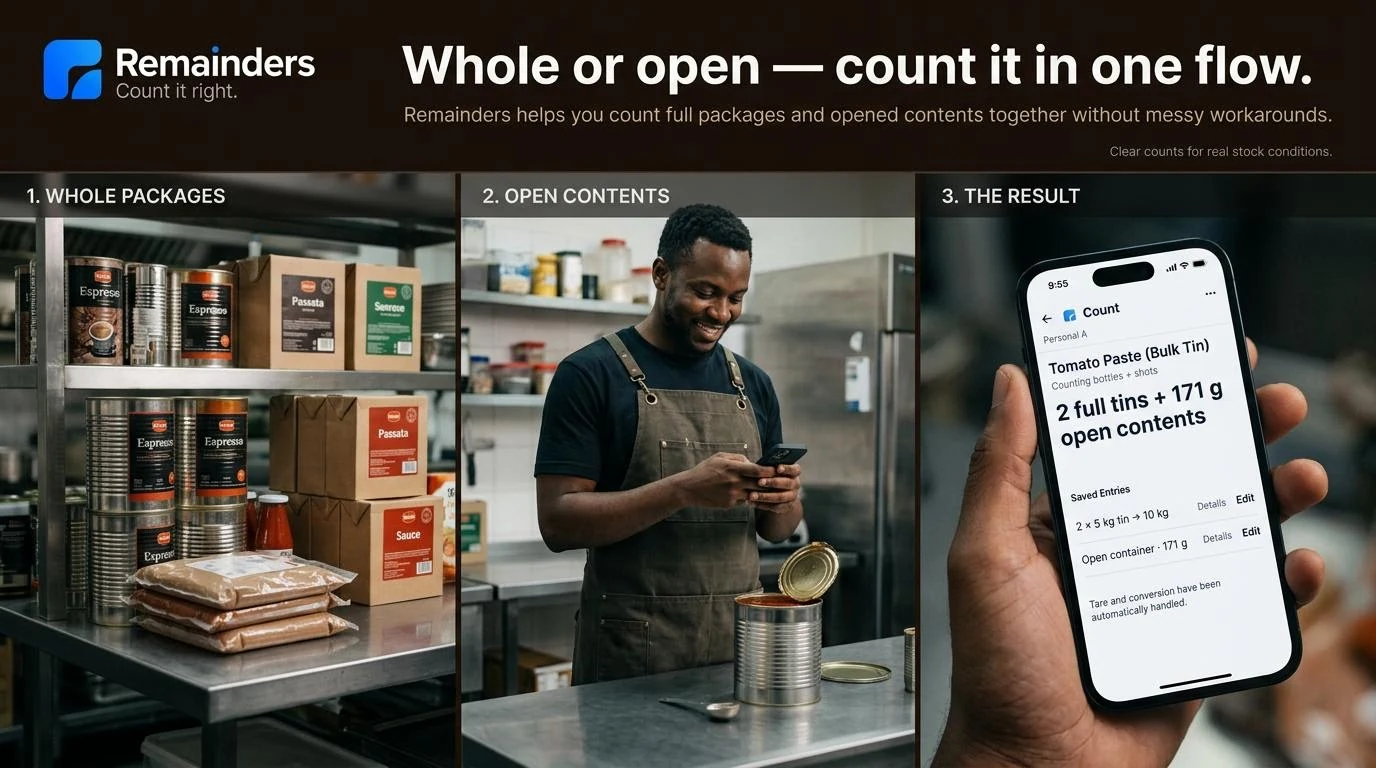
Whole packages, open contents and the combined result
Count whole packages, then open contents, and review the result together with clear physical observations.

Empty bottles + shells

Keep returnables separate.

Keep shells and loose empties distinct from stock that is still for sale.
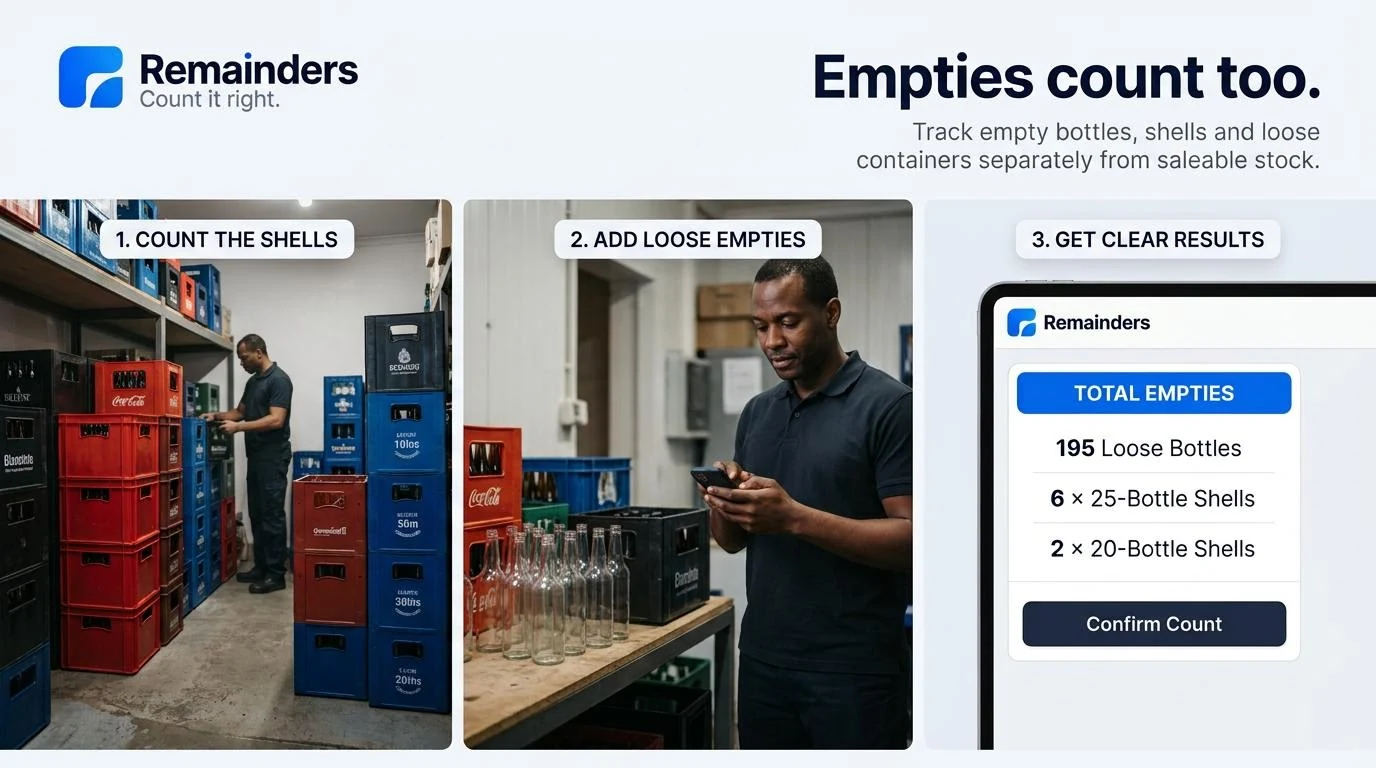
Count shells, add loose empties, review separate results
Three steps: count shells, add loose empties, get clear results. Bottles and shells stay separate from saleable stock.
A stock counter moving from a phone to Remainders Web on a laptop
Phone dead? Keep counting on the web. The canonical authenticated browser address is app.remainders.space.

Phone or web

Keep counting from your laptop.

Open Remainders Web when a browser fits the job better.

One shared job

One count. More hands.

Work side by side or across different sections at the same time.
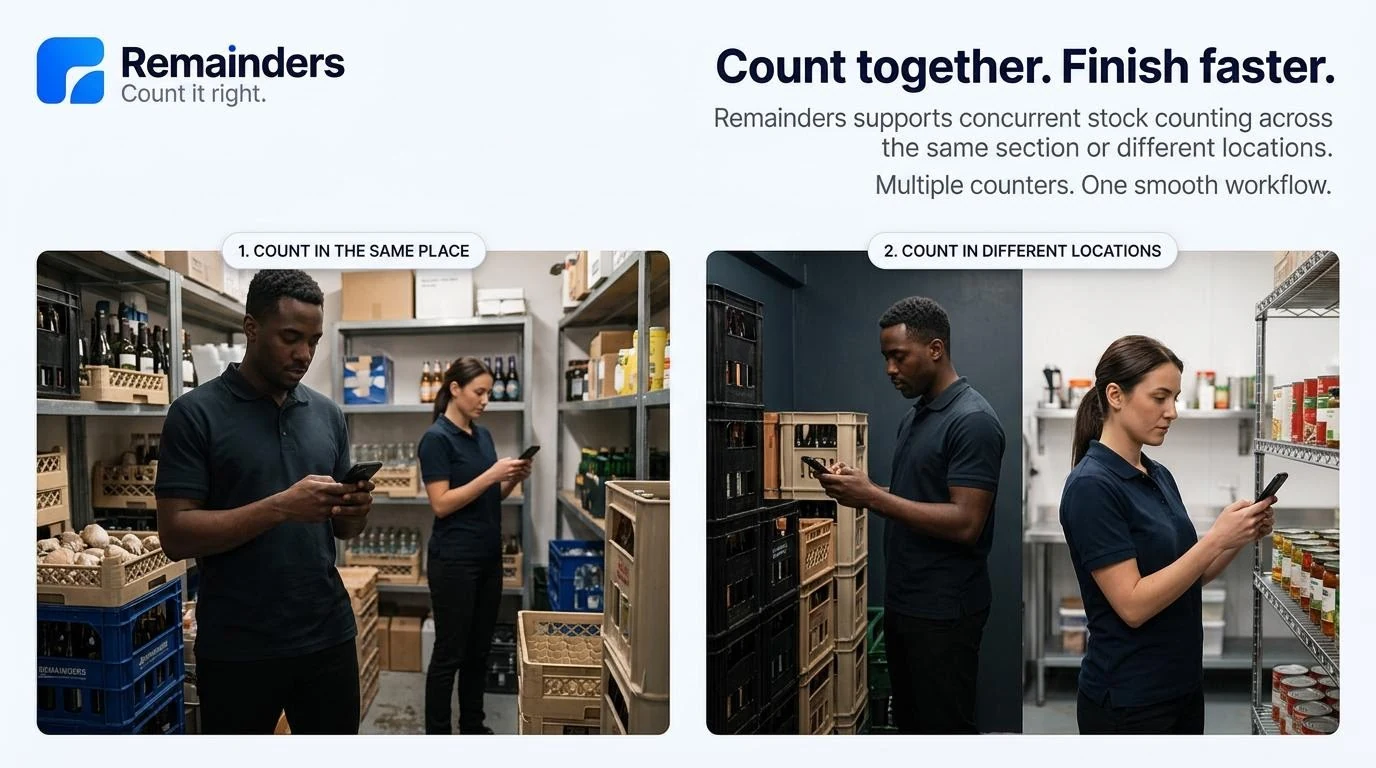
Multiple counters working in the same place and in different locations
Concurrent counting concept: count in the same place or count in different locations. Multiple counters, one workflow.

From count to clarity

Remainders captures. ReconSpace gives the bigger picture.

Move accepted stock evidence into the business context needed to understand what happened.
ReconSpace

Know what happened.

Explore ReconSpace
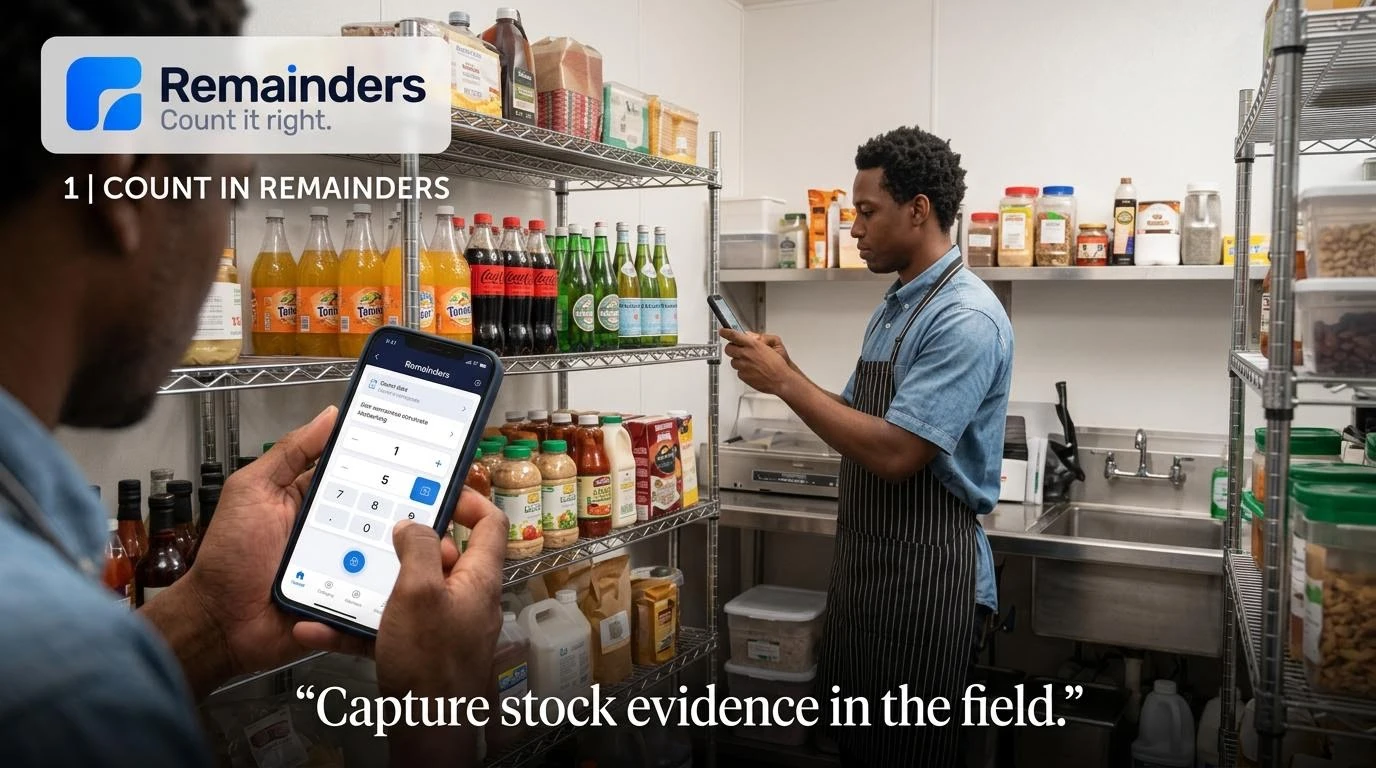
Stock counting in Remainders alongside the physical items being counted
Capture stock evidence where the counting happens.
STEP 01

Count in Remainders.

Capture stock evidence where the counting happens.

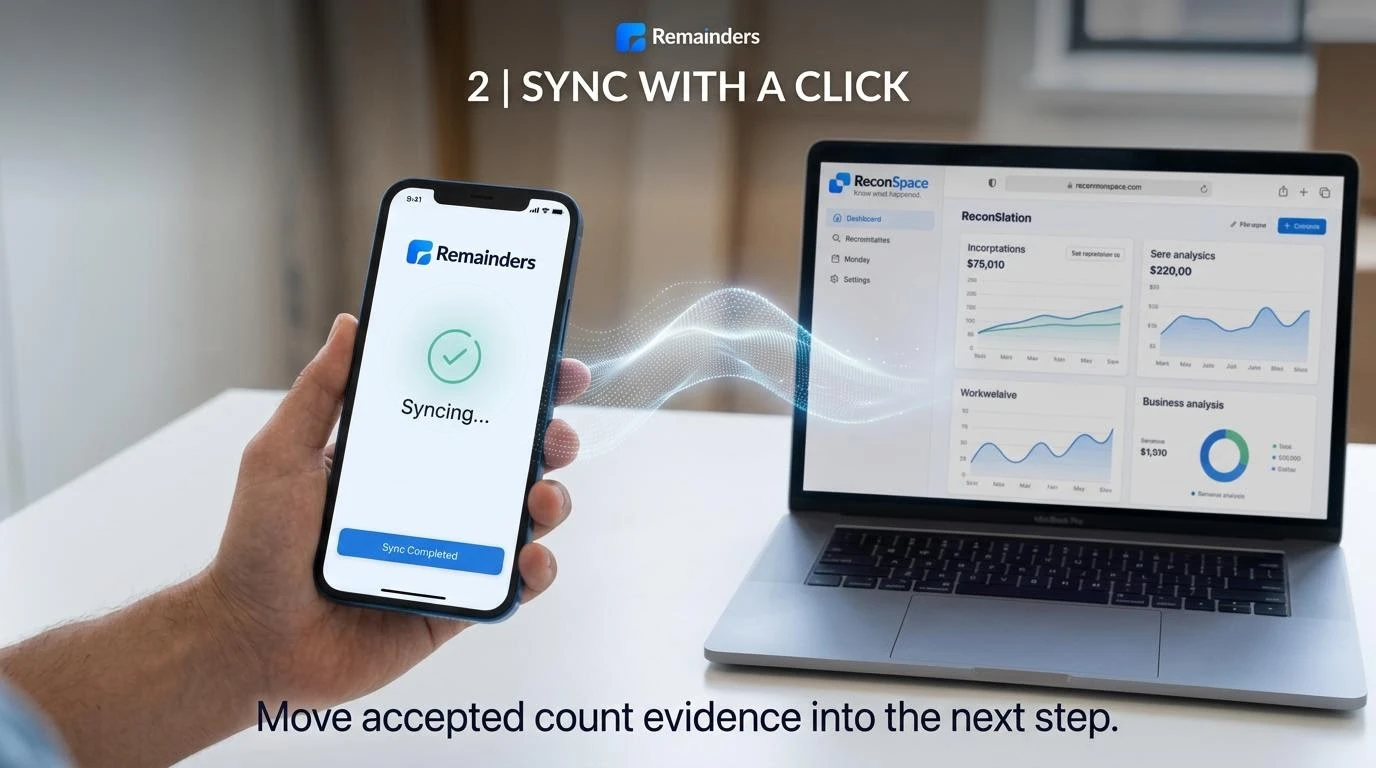
The sync step connecting Remainders count evidence to the business workflow
Move accepted count evidence from Remainders into the connected business workflow.

STEP 02

Sync with a click.

Move accepted count evidence from Remainders into the connected business workflow.

ReconSpace presents stock evidence in business context for managers to review
Turn accepted stock evidence into the context managers need to understand what happened.

STEP 03

Understand it in ReconSpace.

Turn accepted stock evidence into the context managers need to understand what happened.

app.reconspace.app

ReconSpaceKnow what happened.

From physical counts to business clarity.

app.remainders.space → app.reconspace.app
An eight-second visual concept connecting stock counting with business context in ReconSpace.

Interested in Remainders?

Join the waitlist to hear when early access opens.

Registration is not connected yet. This page does not collect or store your personal information.